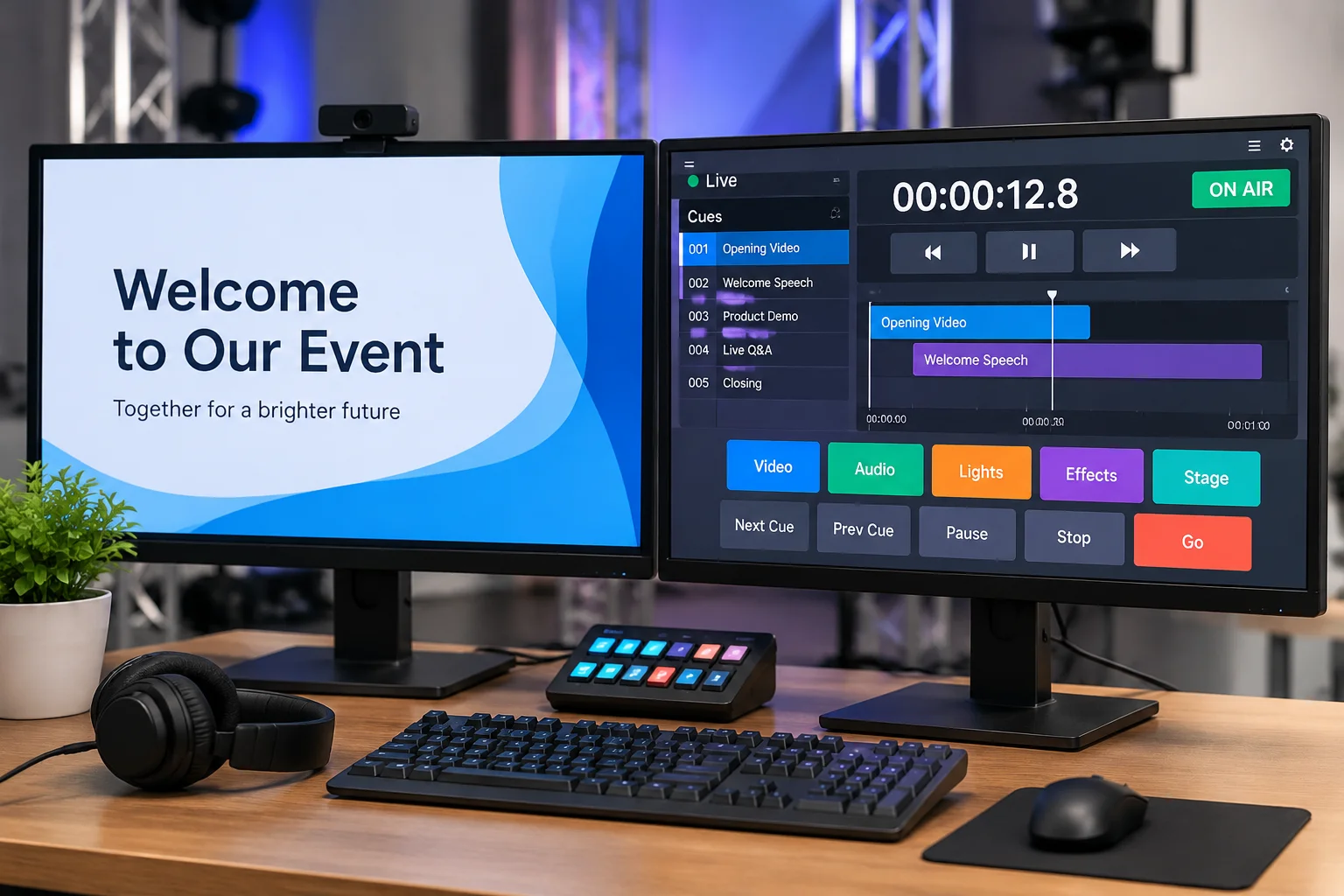
Content Versus Action: The Fundamental Separation
In technical event production, miscommunication often sparks when teams treat advancing a slide and executing a cue as identical tasks. A slide is fundamentally a piece of media content. It delivers words, graphics, or video clips to an audience-facing screen and remains there until the speaker moves forward. In sharp contrast, a cue represents an operational action. A cue tells the lighting operator to highlight the lectern, signals audio to unmute the presenter, and commands recording decks to roll. When an event treats every slide advance as an independent show cue, intercom channels become flooded with chatter, drowning out critical technical calls.
Consider a thirty-minute keynote where a presenter runs through sixty quick summary slides. Demanding that the show caller call sixty separate cues over the production intercom introduces massive cognitive strain and invites hesitation. The presenter's deck exists to support their speech rhythm. The master cue framework exists to govern the technical environment of the room. By treating the slide deck as a visual stream operating inside an overarching cue container, technical directors preserve clear communication and keep operators attentive to meaningful show movements.
The Operational Dangers of Conflating Slides With Cues
When technical systems or stage managers couple physical room states directly to slide indices, unpredictable presenter behavior leads to instant production failure. Speakers frequently skip slides, double-click by accident, or jump backward to revisit an earlier chart. If automated lighting presets, camera moves, and microphone mutes are tied to slide progression numbers, a double-click on stage suddenly dims ambient fixtures, kills audio feeds, or cuts away to an unready video playback screen.
Decoupling media navigation from systemic cue execution shields the production from speaker surprises. In a disciplined workflow, presentation slides are triggered either by the speaker via confidence remote or managed by a graphics specialist tracking spoken themes. Primary technical cues remain pinned to definite run-of-show landmarks: session start, panel transition, audience interaction, or walk-off music. This clear boundary means that even if a presenter flips through twenty slides in thirty seconds, stage lighting, sound levels, and video routing stay entirely steady.
Technical Breakdown: Slide vs. Cue
- Primary Scope
- Slide: Visual output surface | Cue: Multi-department production trigger
- Trigger Source
- Slide: Speaker remote or graphics tech | Cue: Verbal directive from Show Caller
- Environmental Impact
- Slide: Projected graphics only | Cue: Audio, lighting, video routing, stage power
- Fallback Strategy
- Slide: Black screen or title slide | Cue: Hold previous safe state and await confirmation
Designing a Resilient Cue Register
Creating an effective cue register requires establishing clear trigger criteria rather than compiling an index of presentation graphics. For each cue entry, log the primary action, the trigger condition (such as a spoken phrase, gesture, or clock mark), the responsible operator, and the fallback protocol should the trigger fail. Slides can simply be referenced as an internal range—such as 'Slides 01 through 14 active'—within that master cue row. This structure allows the graphics operator freedom to navigate slide anomalies without desynchronizing the wider production team.
Prior to showtime rehearsals, hold a dedicated alignment pass with the graphics technician, audio lead, and lighting programmer. Verify where slide autonomy ends and where multi-department cues take over. Rehearsing these boundaries ensures that unexpected slide adjustments, unannounced slide skips, or last-minute file revisions never derail the overall rhythm of the show.